
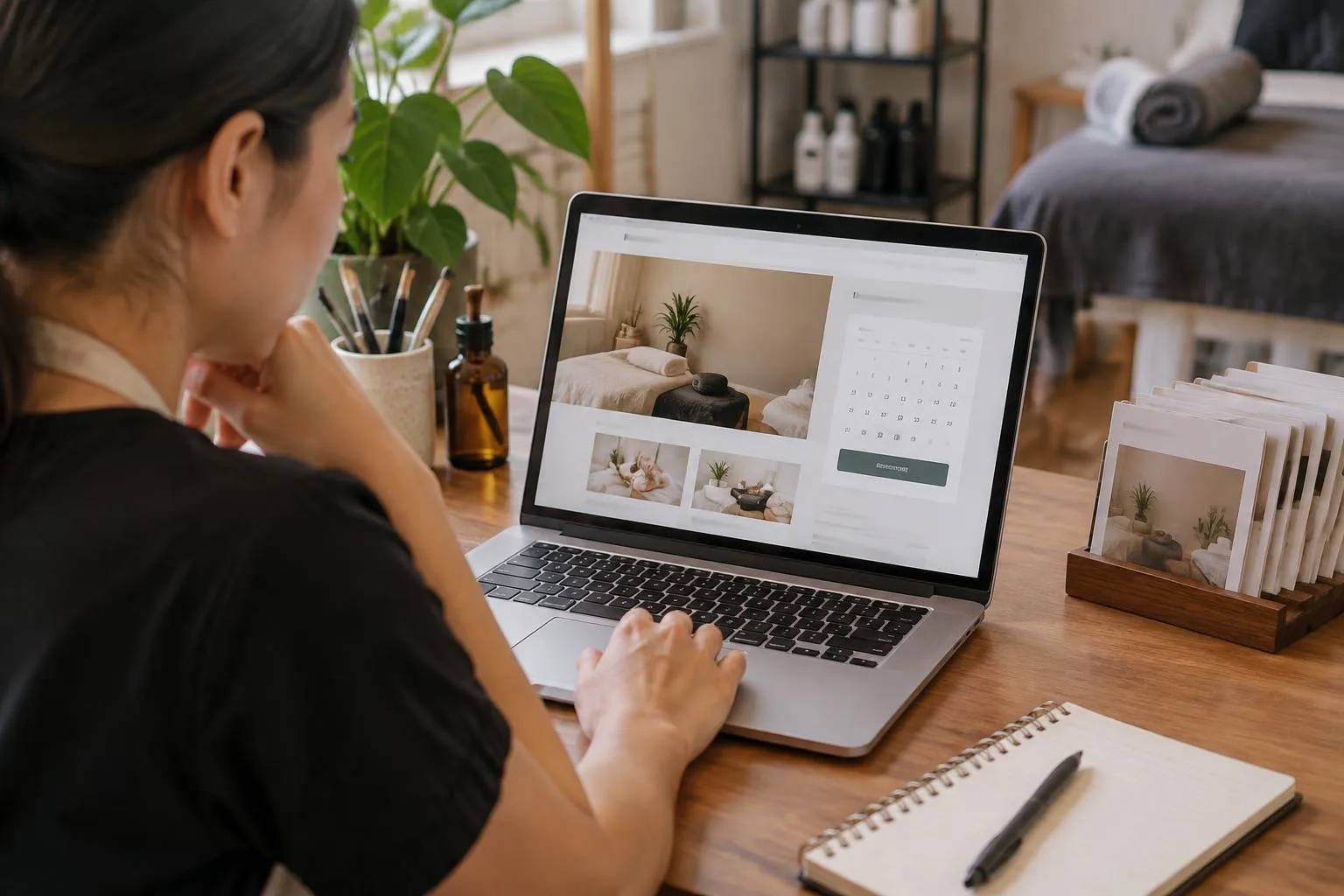
A small business website with online booking should do more than display a list of services. It needs to help visitors understand what you offer, decide whether it suits them, and take the next step without having to guess what to do. For Malaysian businesses, that also means making practical details such as location, operating hours and the best way to contact you easy to find.
Whether you run a studio, provide consultations or offer another appointment-based service, the same principle applies: make the route from first visit to booking clear. Here are the essentials to plan before publishing your website.
Start with the information customers need before booking
Visitors are more likely to consider an appointment when they can quickly answer basic questions. Put the most useful information close to the service description rather than expecting people to search through several pages.
- What you offer: Describe each service in everyday language. Explain what a customer can expect and who the service is for, without relying on internal business terminology.
- How long it takes: If appointment length matters, state it clearly. This helps customers choose an option that fits their schedule.
- Where it takes place: Give your business address, service area or appointment location as applicable. For a Malaysian audience, use location details customers can recognise and include directions or landmarks when they are useful.
- When you are available: Show your usual operating hours and explain any limits or exceptions customers should know about.
- What to do next: Use a clear prompt that tells visitors how to request or make an appointment.
Keep the language straightforward and make important terms easy to scan. If customers need to prepare anything, bring documents or contact you before attending, explain that before they reach the booking step.
Make the booking path easy to follow
A booking process should feel like a natural continuation of the information on your website. A visitor should not have to return to the homepage to find the next step or wonder whether a message has reached your business.
Organise the page so that a customer can move from the service details to the booking option in a logical order. Make the action easy to spot, and use consistent wording wherever you refer to booking. If a customer needs to provide details or choose an appointment time, explain what information is needed and what happens after they submit a request.
Be precise about the booking status. If an appointment is confirmed immediately, say so. If you need to review a request and reply later, make that clear instead. Do not imply that a time is secured until your process actually secures it. Tell customers how they can reach you if they do not receive a response or need to change their plans.
Build trust with clear, local business details
Online visitors may be meeting your business for the first time. A concise introduction can explain who you serve, what makes your service relevant and where you operate. Add genuine photos or other useful information if they help customers understand the business, but avoid making the page crowded.
For Malaysian customers, check that your contact and location details are current and presented consistently. If your customers use more than one language, consider whether the key service and booking information should be available in the language they are most comfortable using. State your opening hours in a way that is unambiguous to local visitors.
Also make policies visible before a customer books. If you have rules about cancellations, late arrivals, deposits or rescheduling, explain only the policies that apply to your business and write them in plain language. Clear expectations can prevent avoidable misunderstandings.
Check the experience on mobile and desktop
Customers may visit your website on different screen sizes, so review the whole booking journey on both a phone and a computer. Check that service descriptions are readable, contact information is easy to find and the booking action is not hidden among unrelated content. Test the steps a visitor must take, not just the appearance of the page.
Look for practical issues: Are the service options understandable? Can a customer tell what to do next? Is it clear whether an appointment request has been received? If any step depends on a separate conversation with your business, explain how to start that conversation and when a reply can be expected.
Choose a website builder that supports your business goals
A website builder for a small business should fit the way you intend to serve customers. If appointments are central to your work, look for a way to present your business website and accept online bookings as part of your setup. If you also sell products, an online store may be relevant. These needs can coexist, but your website should make each customer journey clear rather than putting every option on one crowded page.
EasySite helps businesses create a business website, accept online bookings and set up an online shopping store. You can learn about EasySite and consider how those capabilities fit the way your business works. Before choosing any website setup, list what customers need to see and what action you want them to take; then check that the resulting site communicates both clearly.
Use a simple pre-launch checklist
Before sharing your website, review it as if you were a new customer. Confirm that the main service information is accurate, your location and contact details are current, and your booking instructions match your actual process. Check the site on mobile and desktop, then ask someone unfamiliar with your business to find the booking step without help.
A useful business website does not need to answer every possible question on one page. It does need to make the important answers easy to find and set realistic expectations. For more ideas on structuring a business site for Malaysian customers, read how to build a small business website that helps customers take the next step.
When your services, local details and booking instructions are clear, your website becomes a more useful starting point for customer enquiries and appointments. Keep the content accurate as your business changes, and revisit the booking journey whenever you update your services or policies.